Ap Car Rental Module Userguide
A standard module with full features for rent car in just minutes. Full option, flexible and friendly interface .
- Created: 04/09/2018
- Email: leotheme@gmail.com
First of all, we would like the thank you for using our module.
Leotheme - a website where you can find the best Prestashop theme and Extensions as well. We are proud of our professional themes, extensions. With years of experience working on Opensources like Prestashop, we have created number of great extensions for Prestashop like: Ap Pagebuilder Module, Leo Prestashop Framework, Leo Megamenu Prestashop Module ...
Leotheme is also famous for custom work, if you have trouble or need help with your website, coding, .... you can find us on leotheme.com then we will support you or give you suggestions.
What is Ap Car Rental Module
A fully-featured module for rent car
Fully flexible, smart and friendly configuration.
Easy-to-use and user-friendly search with full configuration.
Download and Install
Download
Install
You can install our modules as other modules extremely easily and quickly. After you buy the module, we will give you FREE installation and quick support if there are problems. Also we integrate the features installed demo data so you can quickly build sites. With powerful features but installation process is quite fast and easy. If customer faces with any problems please contact us. We will always beside you.
This is module after install
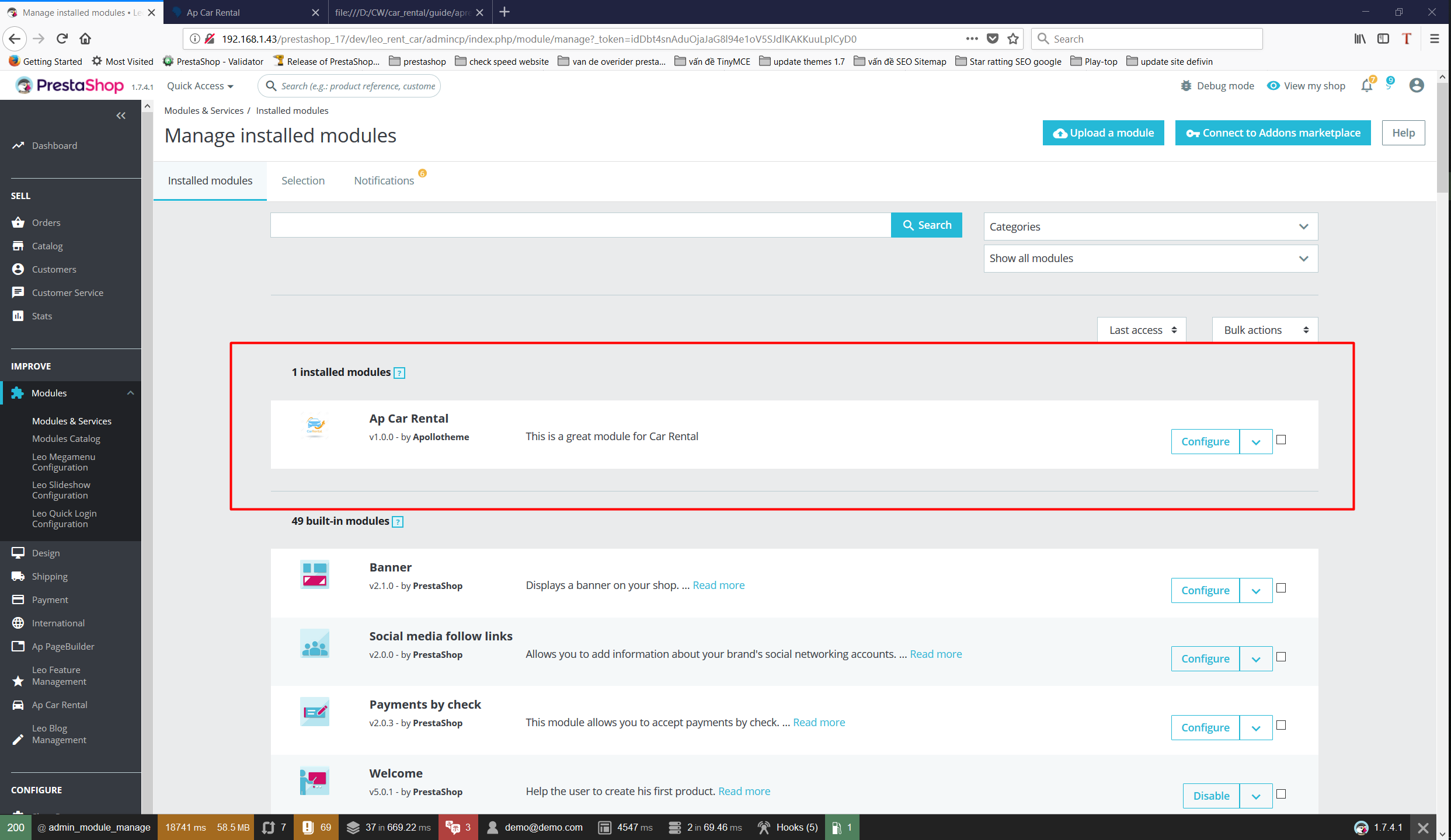
After installing module module tabs will show up here
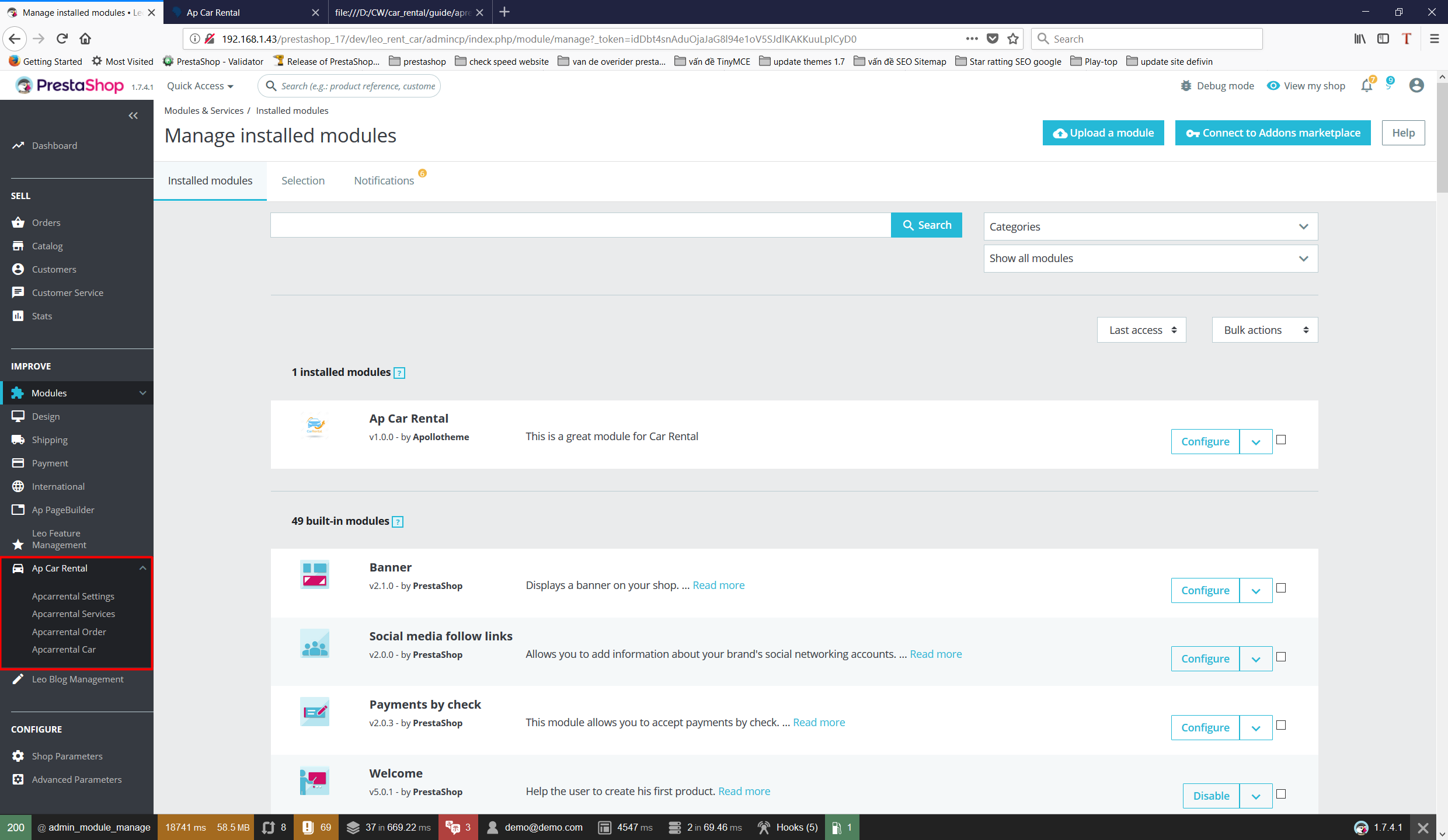
Apcarrental Services
Select Aprealestate Service tab to move to service addition
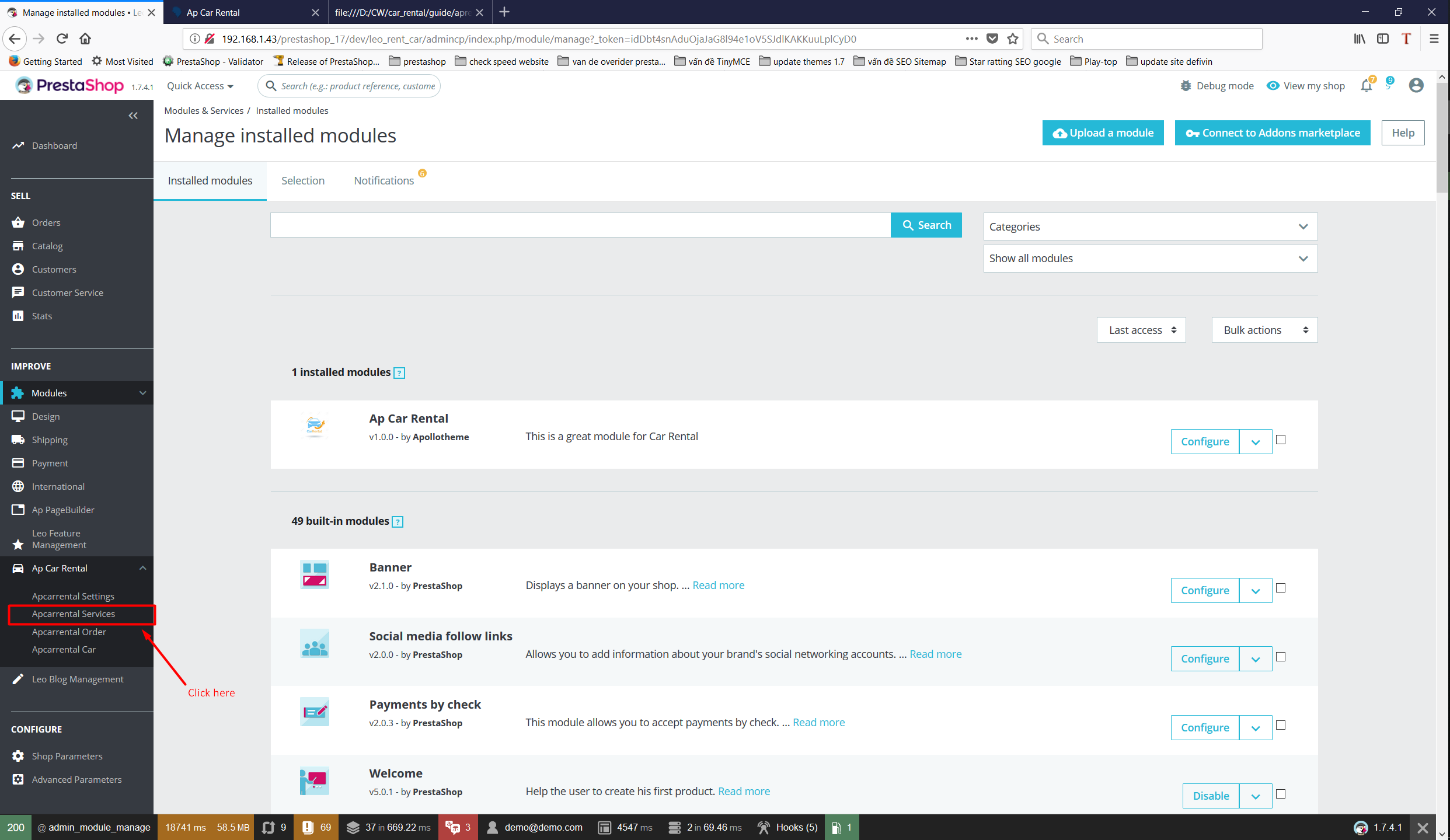
Next, select Add to add services
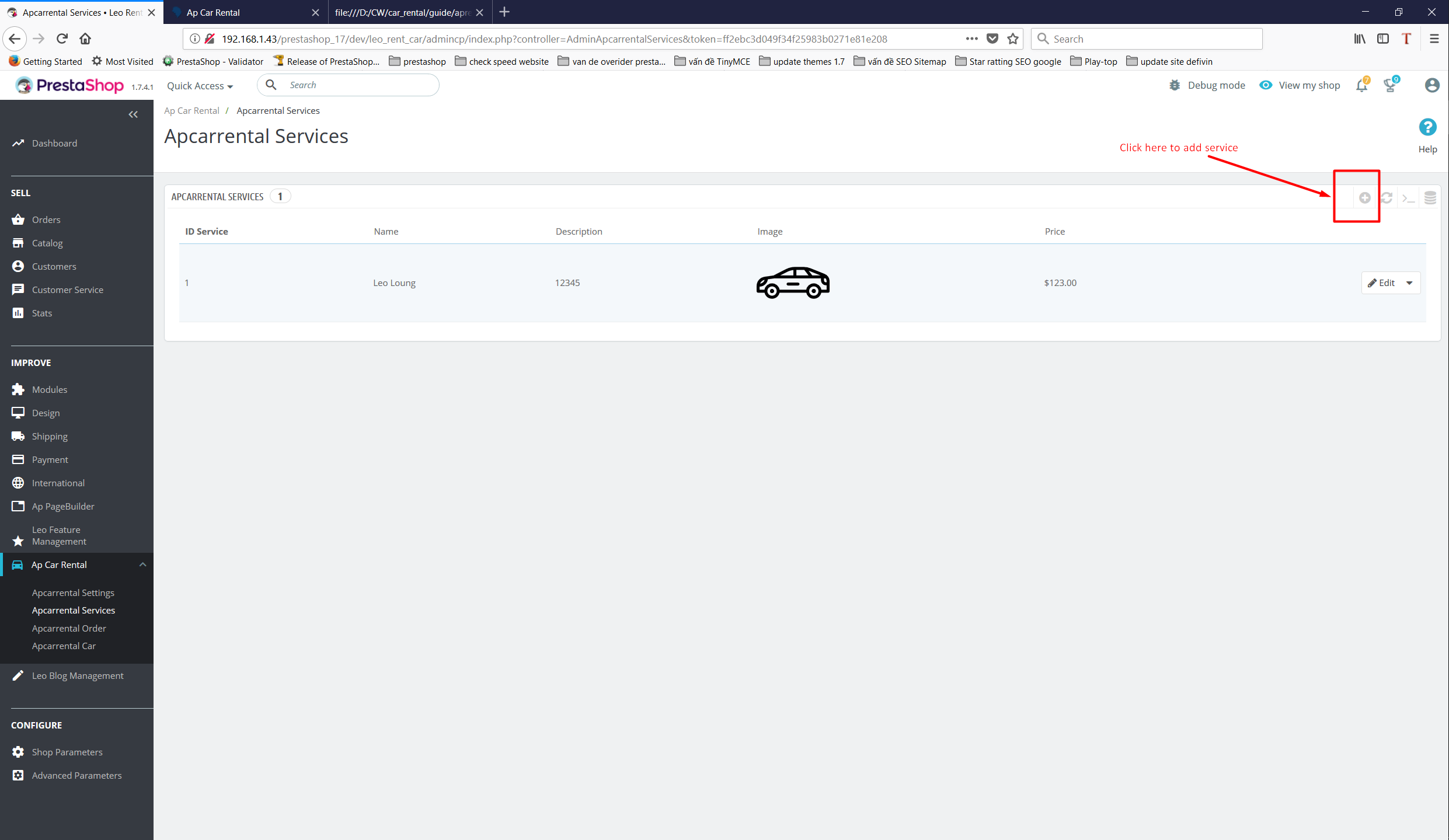
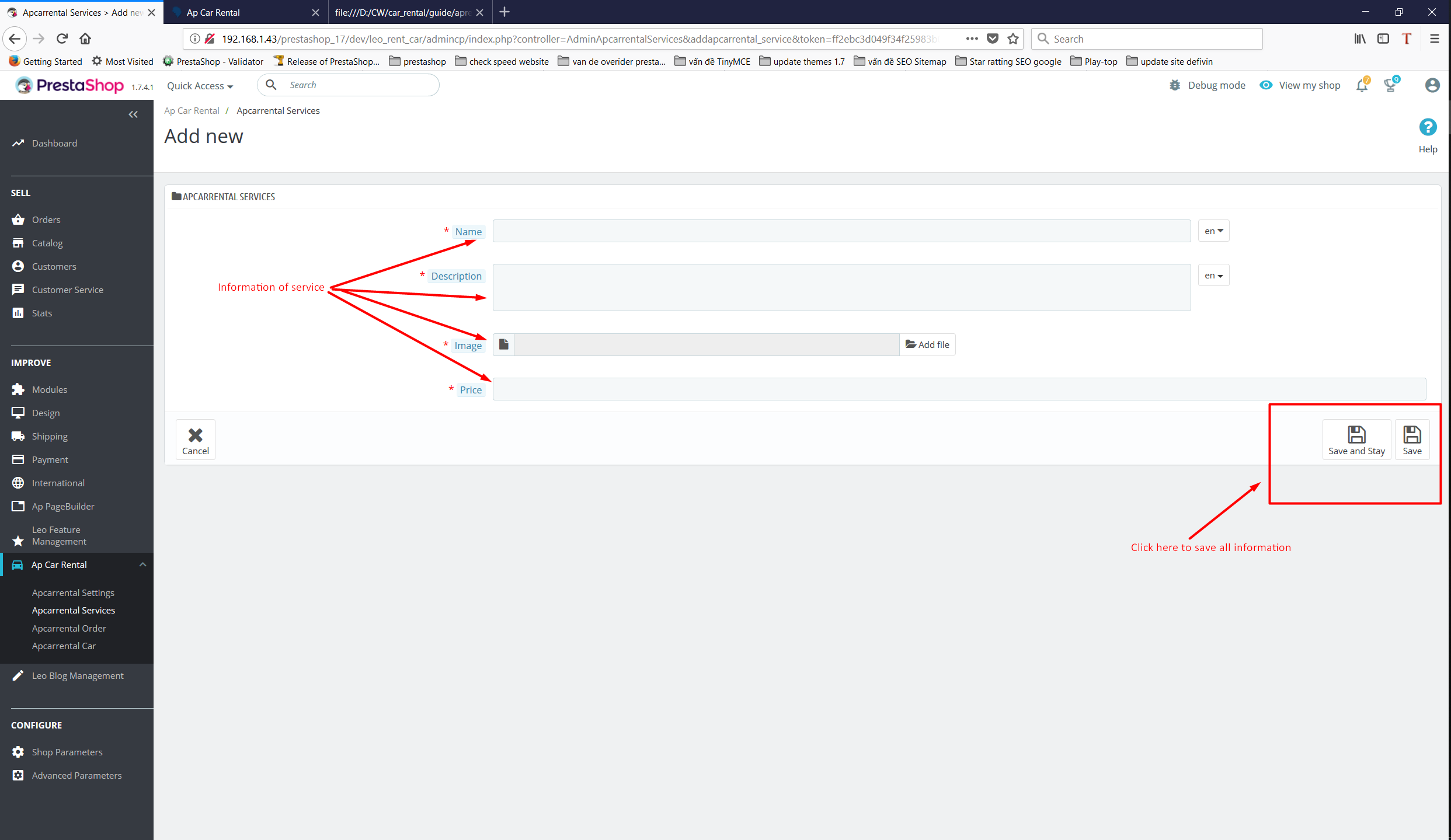
Fill in service information and click save to save all information
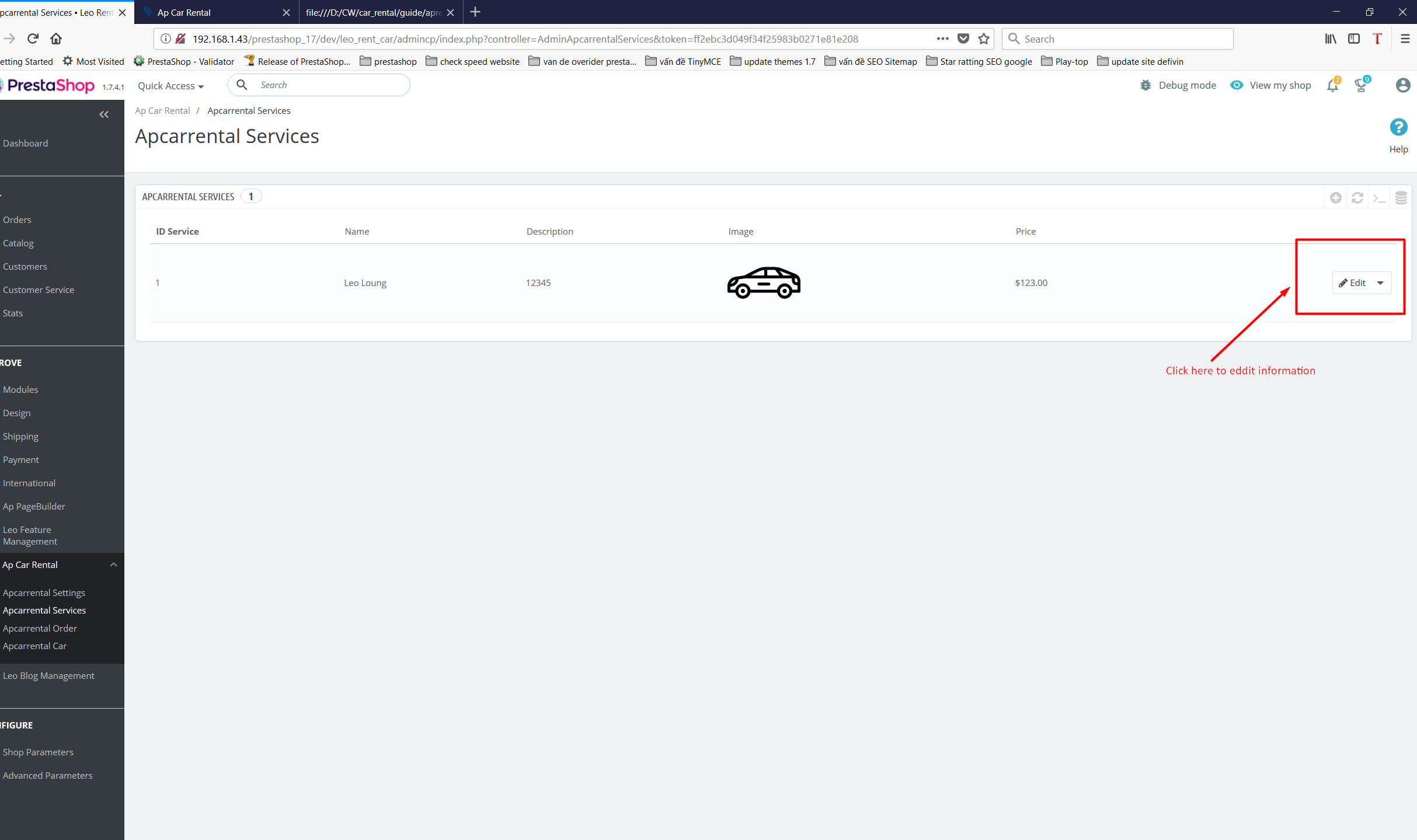
To edit any service type, select Edit
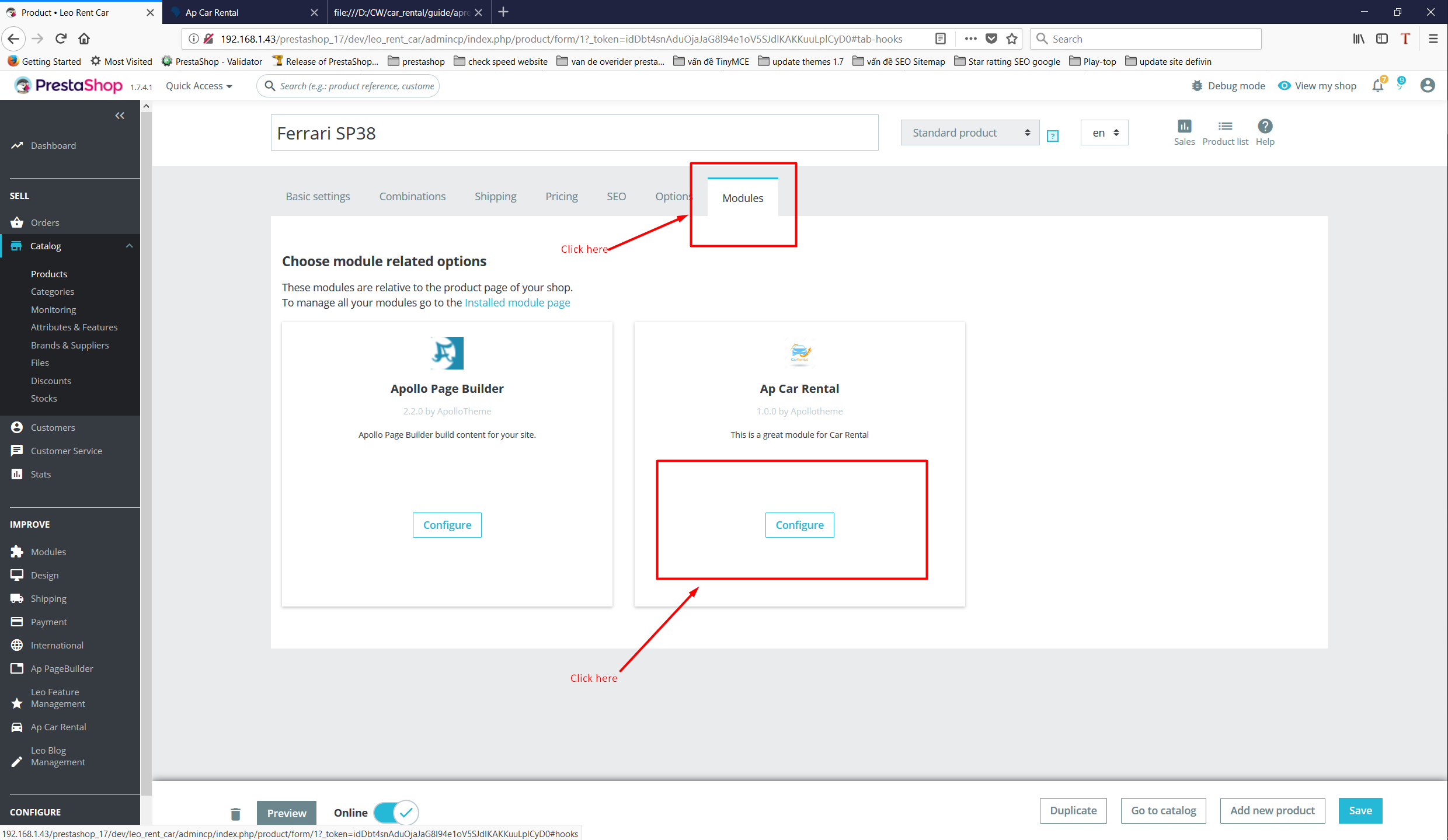
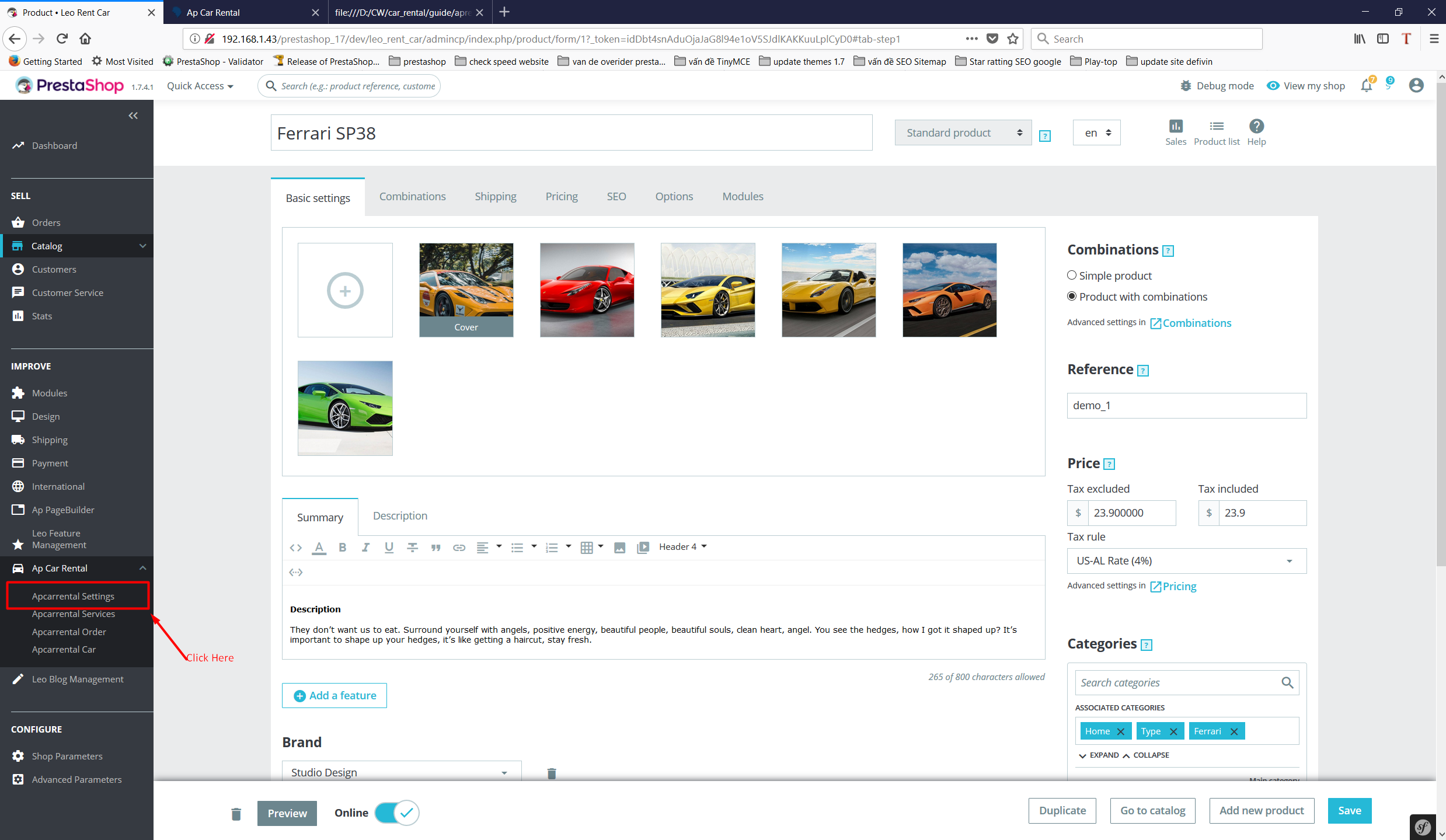
Add Information For Product
Select Product tab and then select one product
After select module->configure
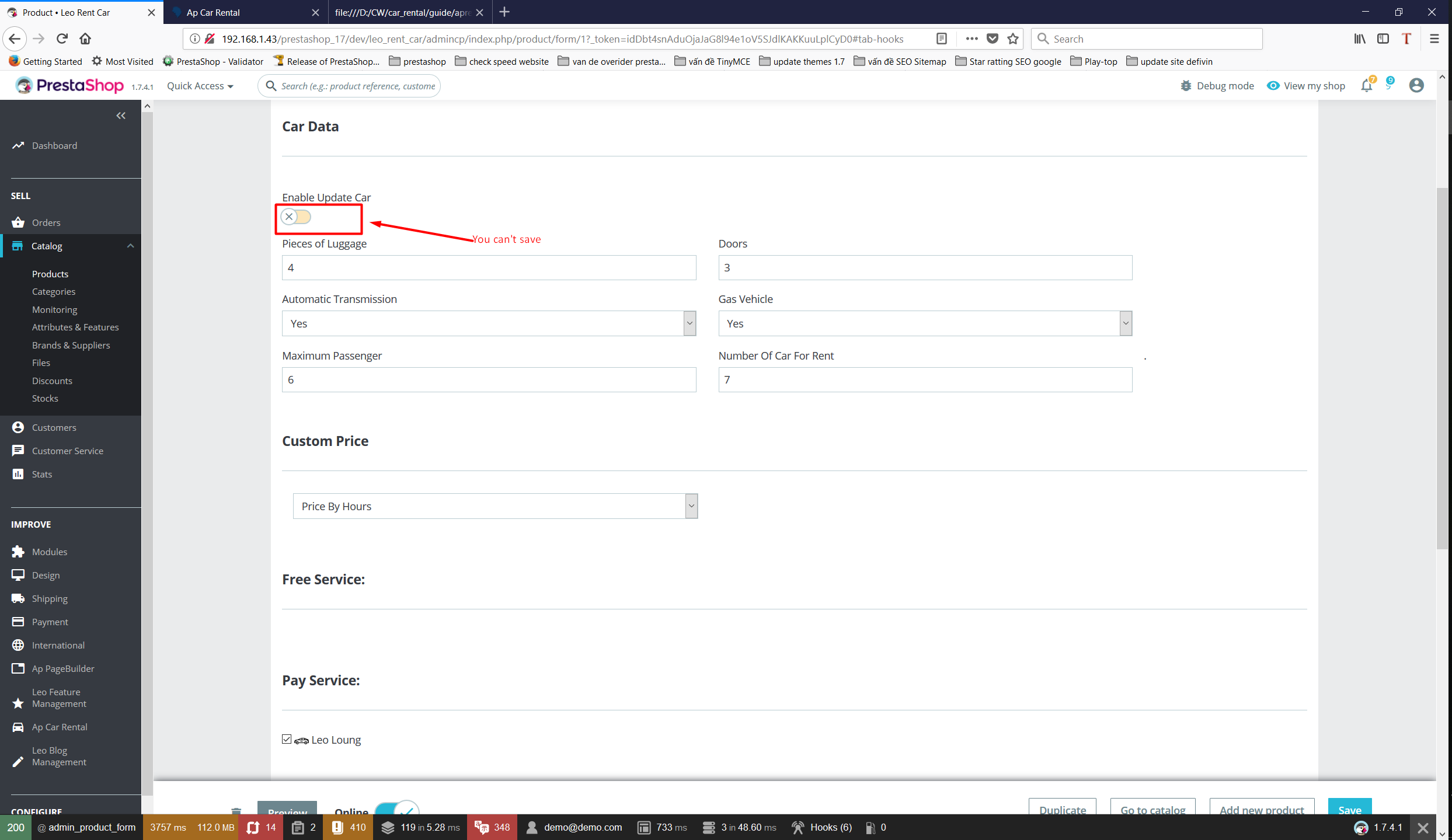
Next, click button Enable Update Room. After this button becomes Green, it is possible to save information established in this tab
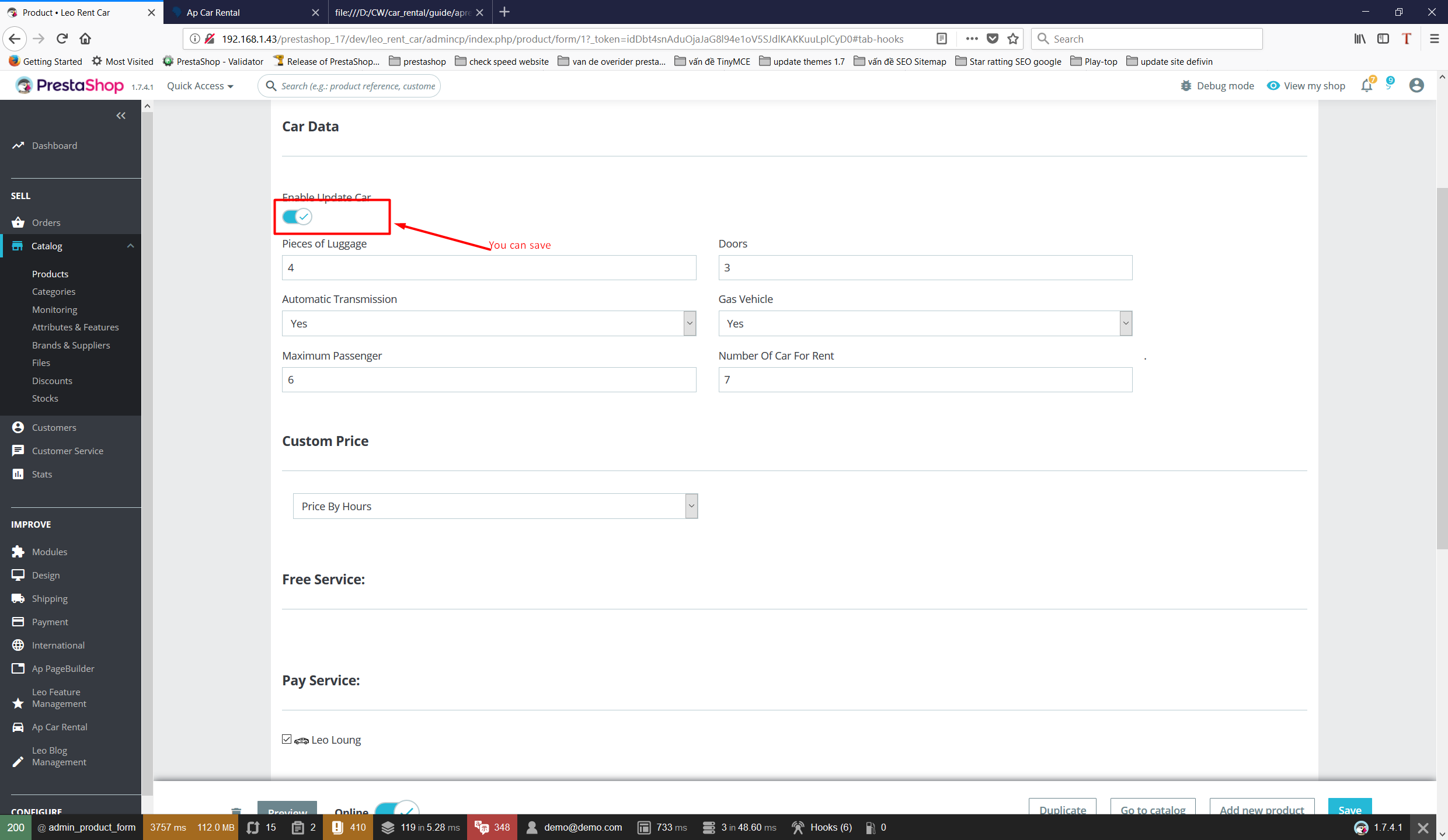
It is impossible to save if button like this and you have to turn on
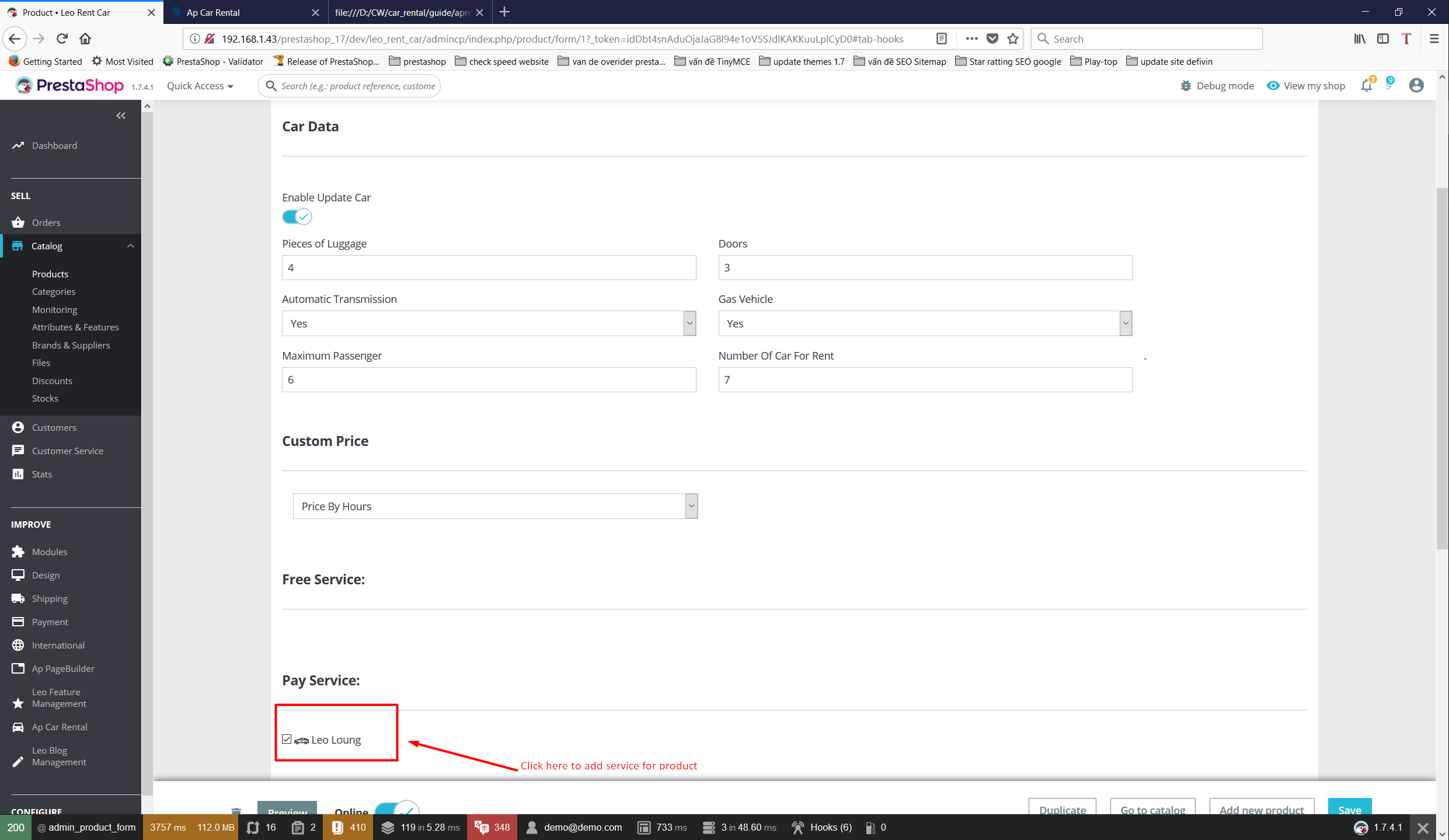
Select the services that the product has
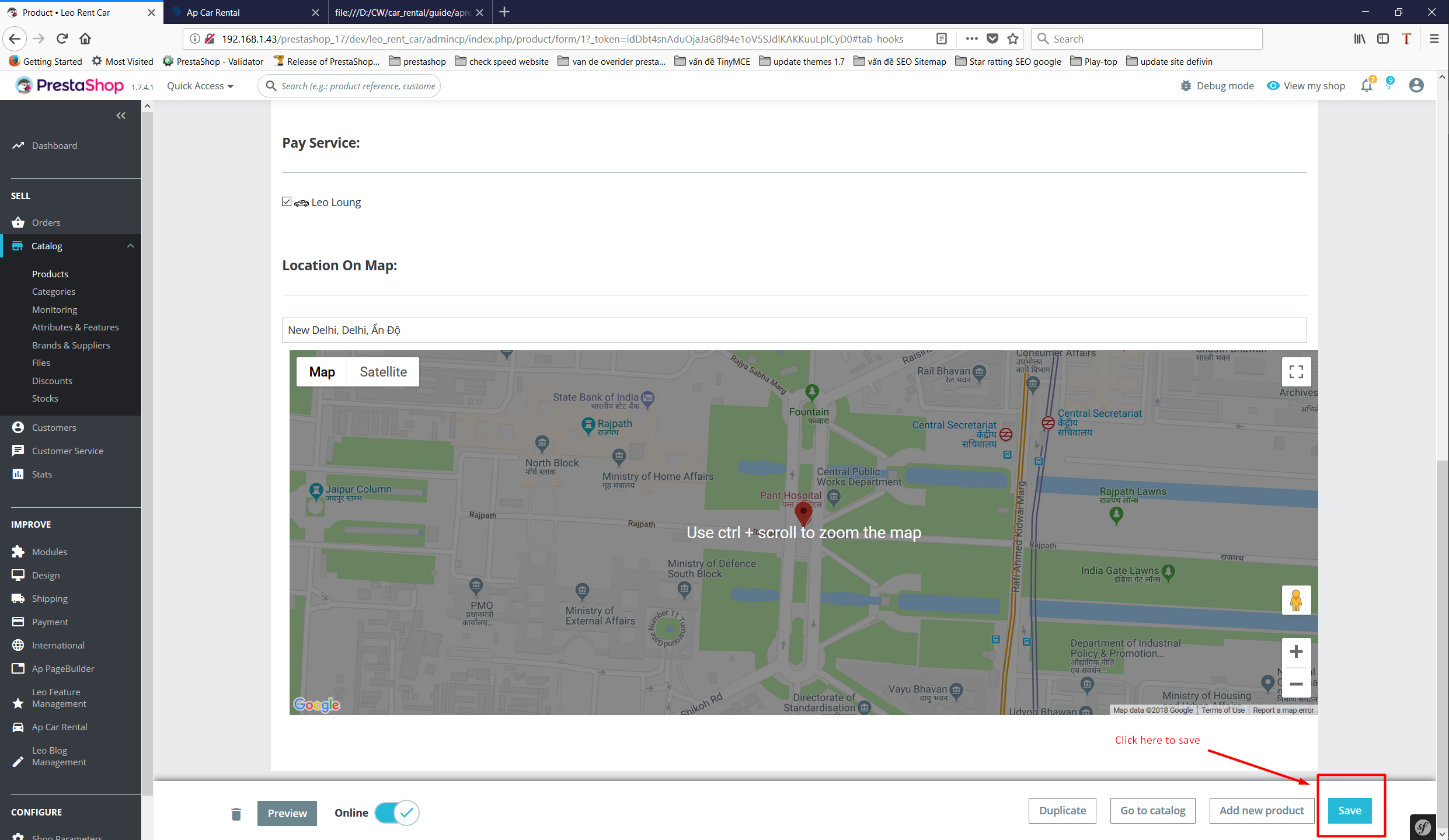
Click button save to save all information you created
Add Type
Select Categories tab and create new categories with name type
In categories type create car manufacturer example: Ferrari, Bugatti, .....
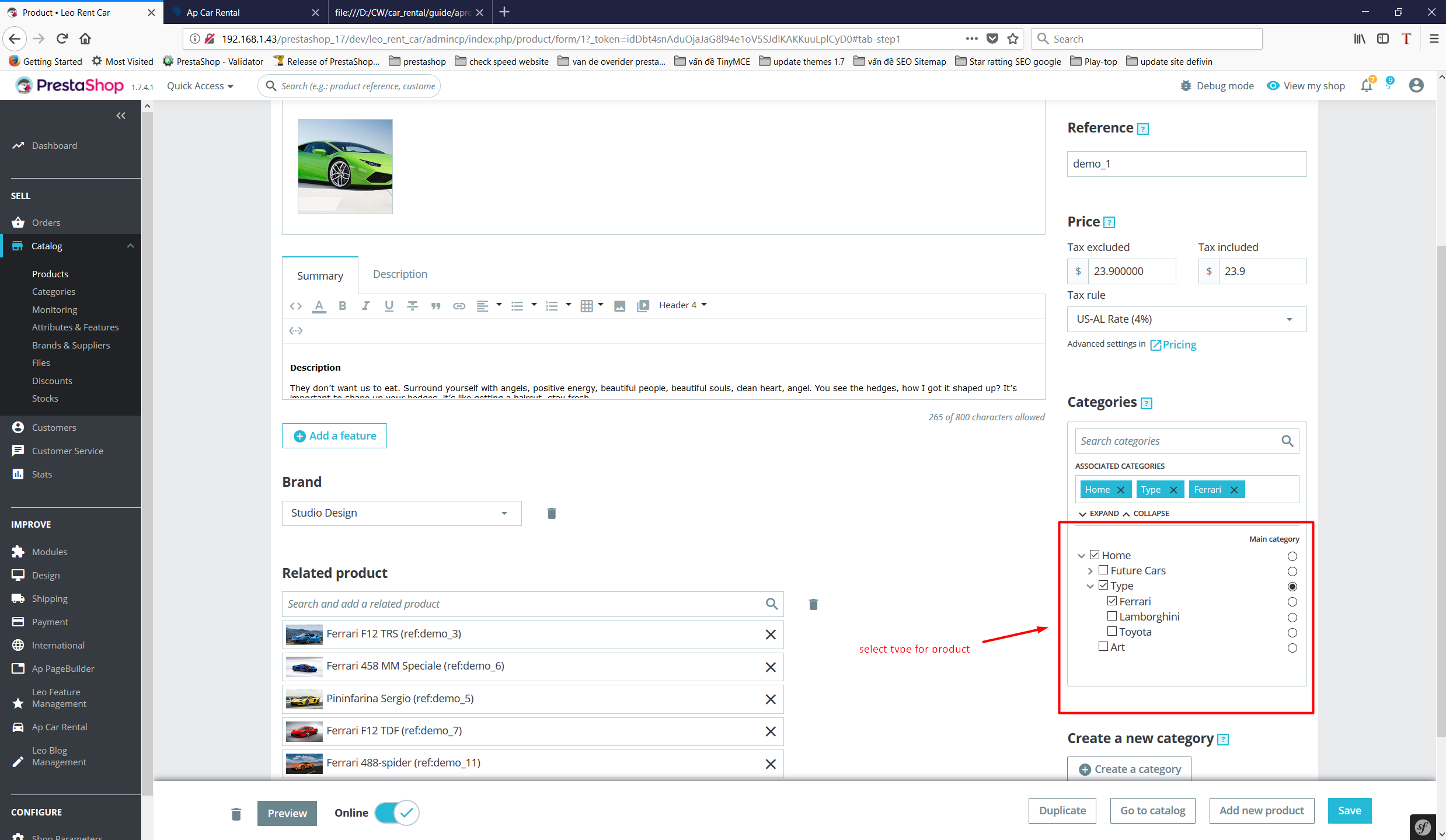
Select Type For Product
Select product tab and select one product
Select type for product. Select main categories type
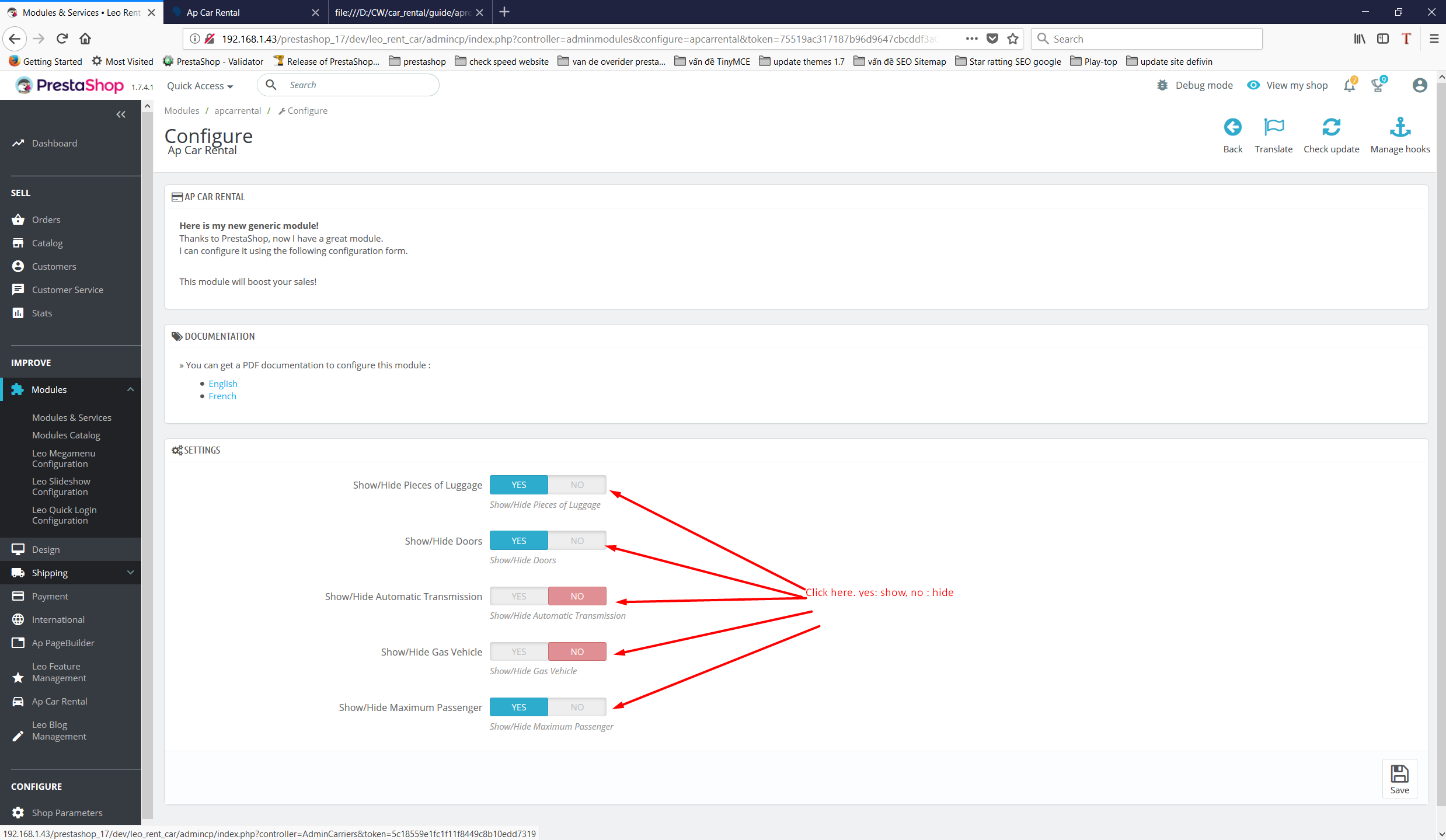
Setting Modules
Select Booking Service tab to move to Settings
Set up to hide and display services in the front end for each product
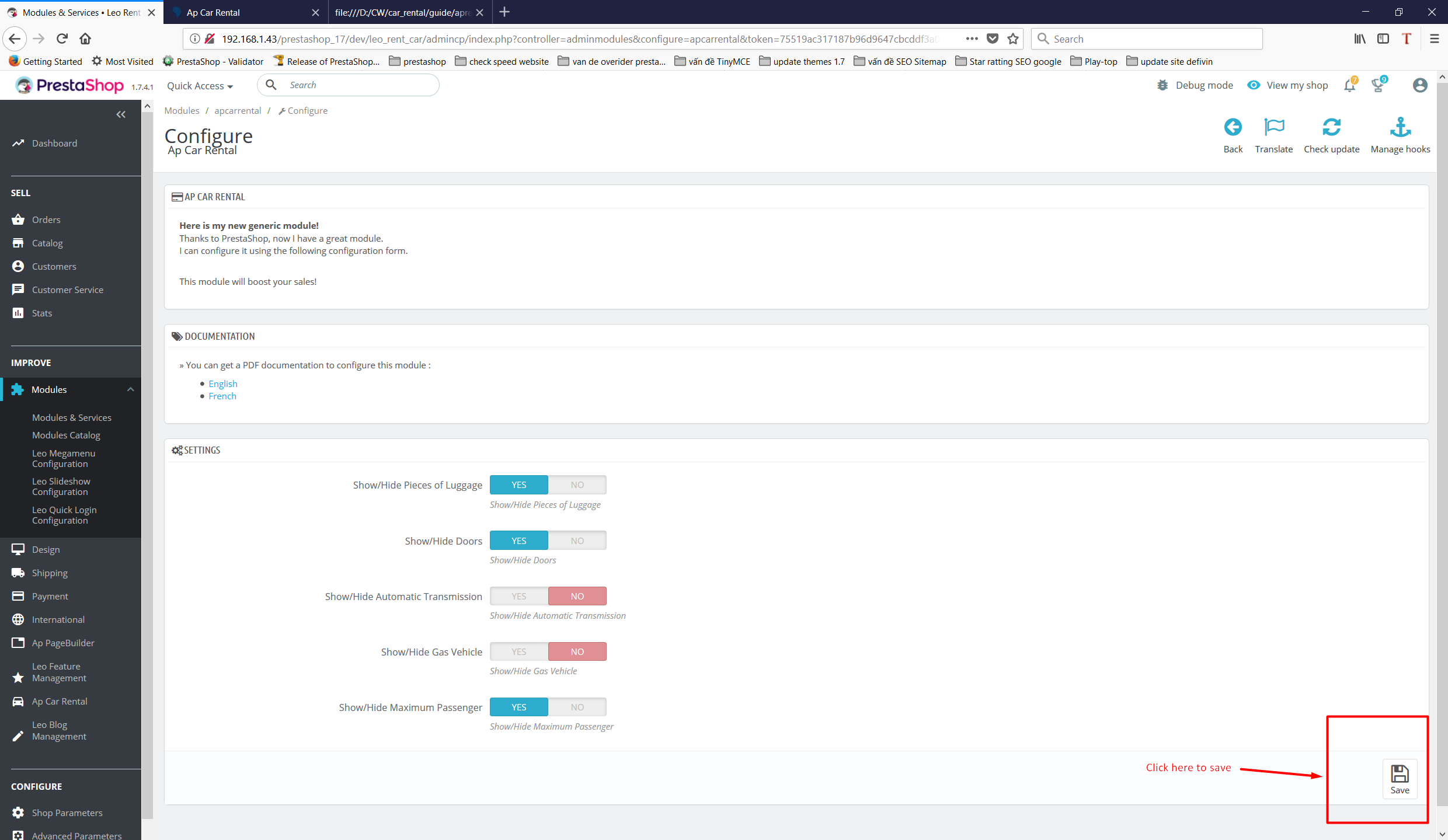
After setting up all items, click Save to save
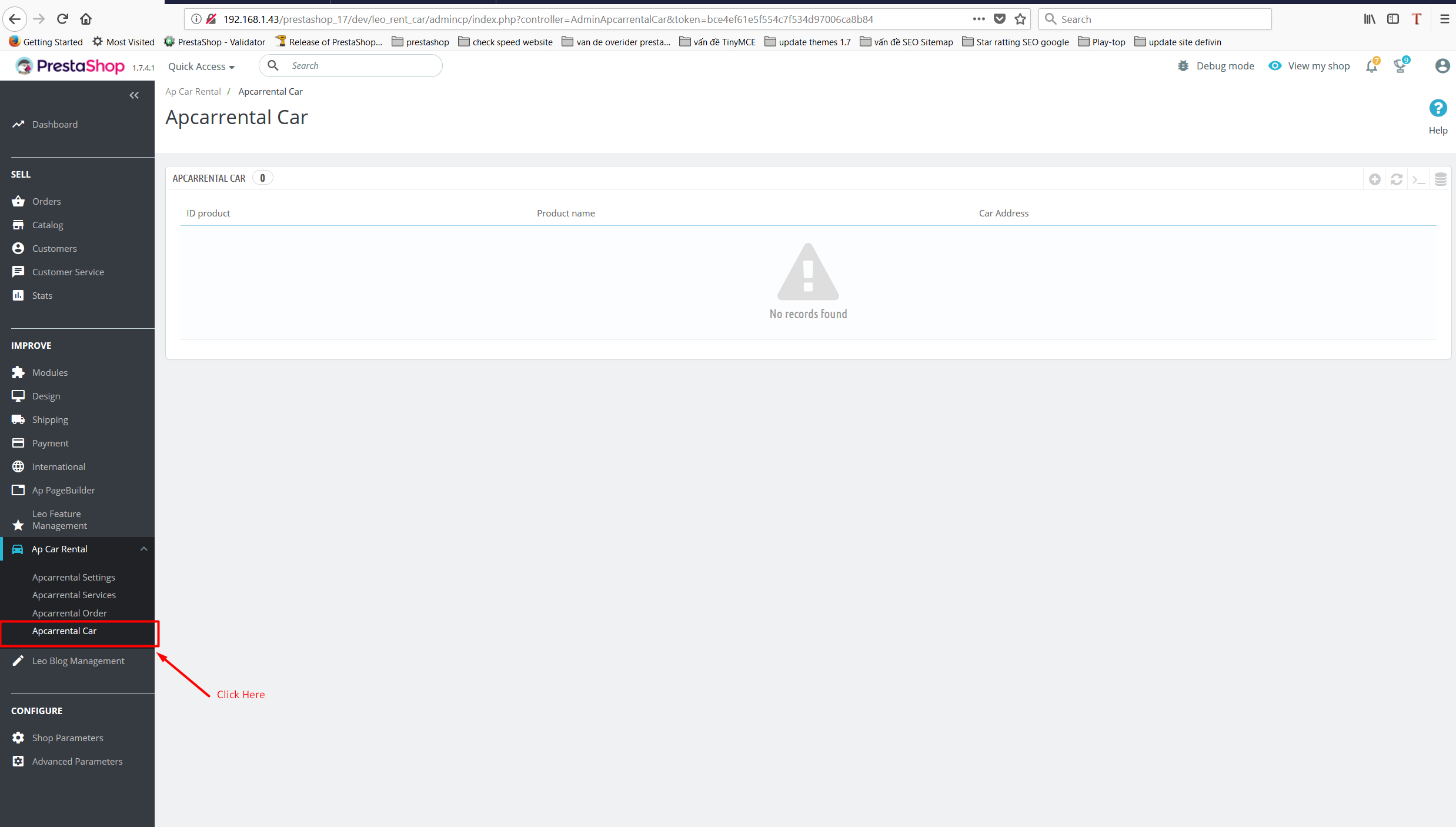
Apcarrental Car
Select Car Properties tab to manage product customer submit but the manager isn't active
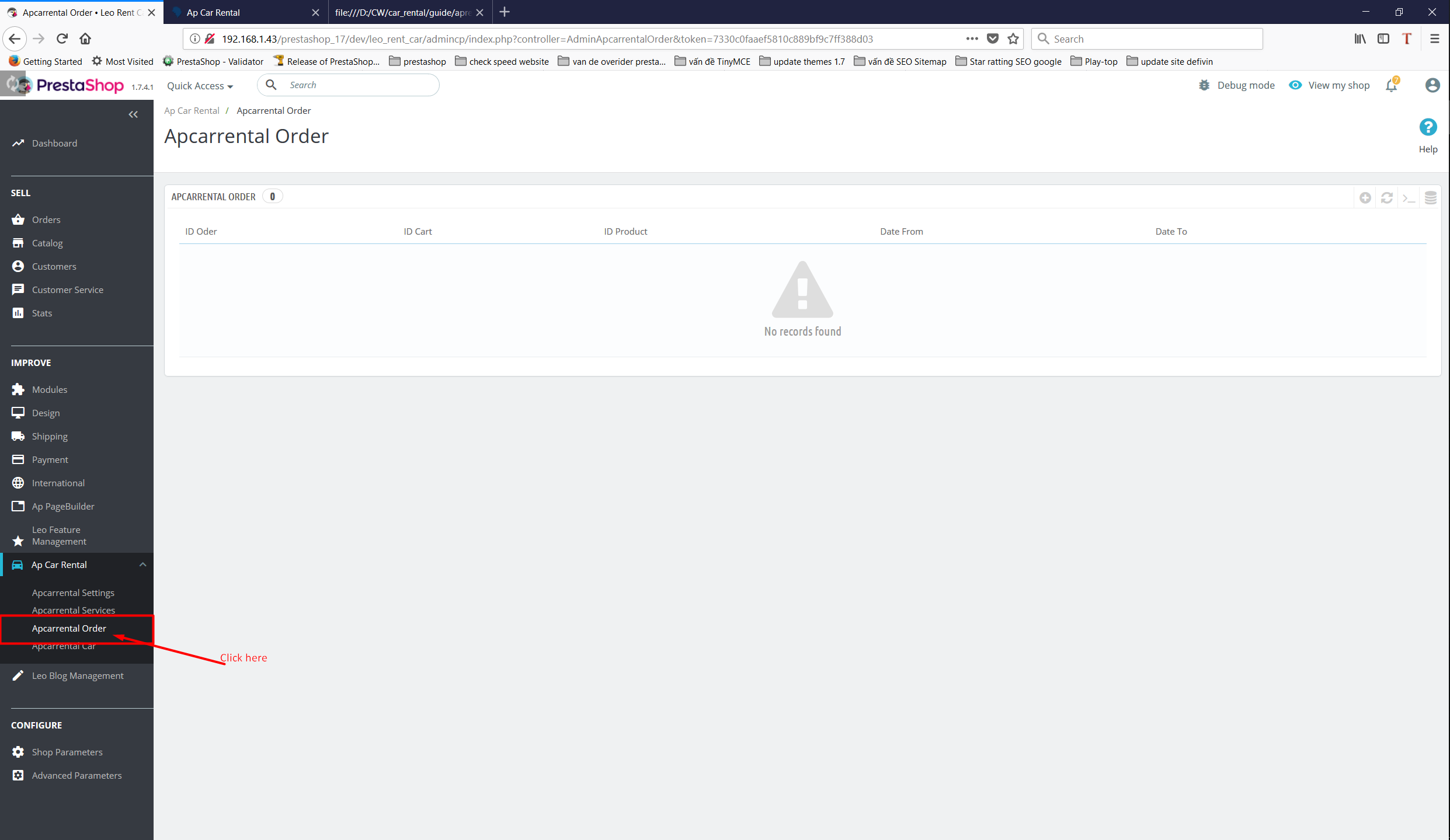
Apcarrental Orders
Displays the product listing your customer have set
Supported responsive layouts
The supported responsive layouts includes: default, large, medium, small, extra small and mobile. Select the layout you want to configure.
Default Screen, Medium Screen, Mobile Screen
Information
Thank you for reading!
We hope you can create the best website with our themes.
- Contact us
- Email: leotheme@gmail.com
- Skype Support: trandinhnghiait
- YouTube